Speech engines and models
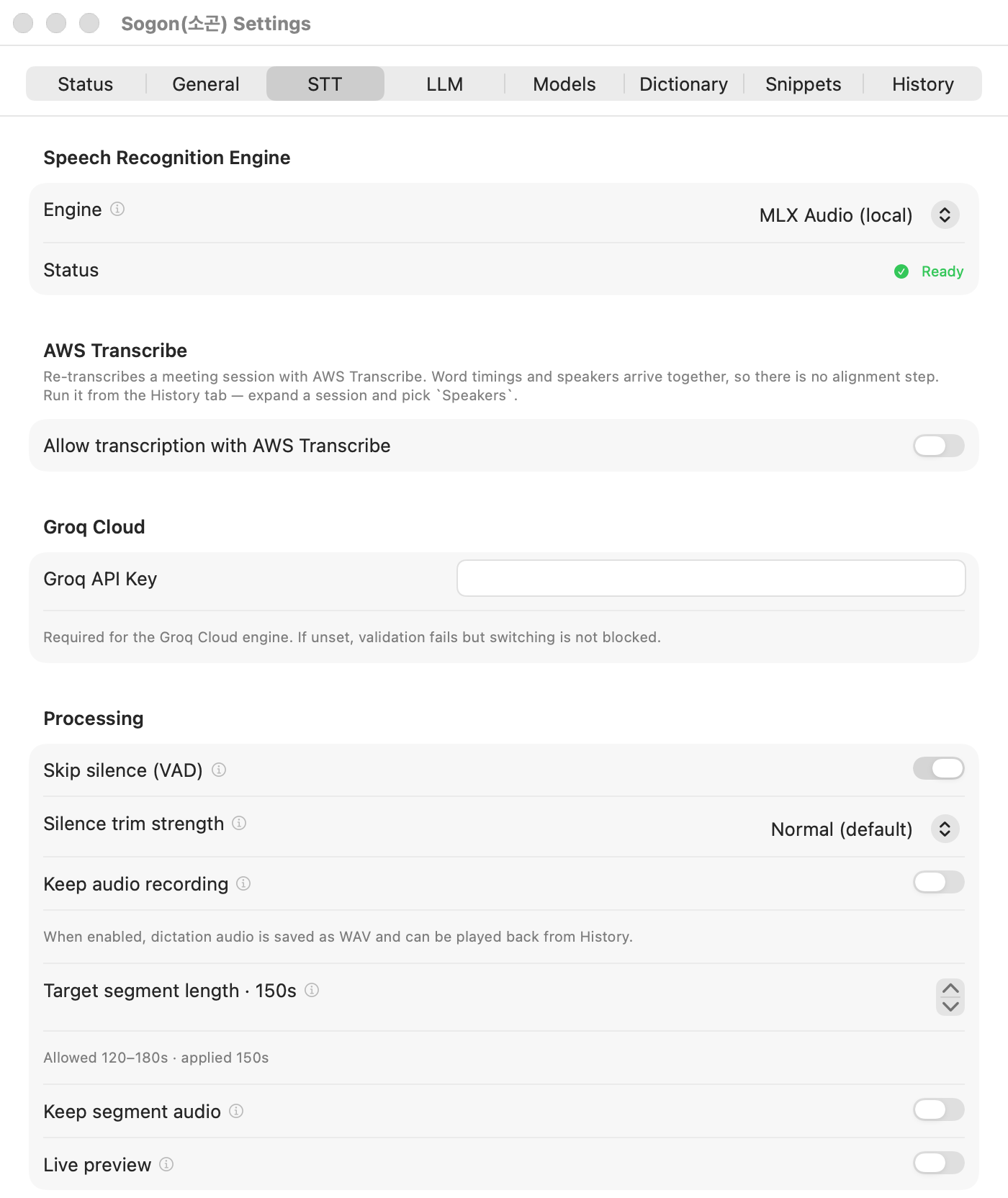
Choose in Settings → STT → Speech Recognition Engine.
| Engine | Where it runs | Needs | Notes |
|---|---|---|---|
| WhisperKit (local) | On your Mac | A model download | Picking a model in the tutorial selects this engine. Live preview and pause line breaks work only here. |
| MLX Audio (local) | On your Mac | uv installed | The default when you skip the tutorial and uv is available. The default model is Qwen3-ASR-1.7B-8bit. |
| Groq Cloud (fast) | Cloud | Groq API key | Audio is sent to Groq. |
Choosing a WhisperKit model
A model downloads as soon as you pick it. See progress and sizes in the Settings → Models tab.
| Model | Size | Character |
|---|---|---|
| Tiny | about 150MB | Fastest, but hard to use for Korean. |
| Base | about 290MB | Often gets proper nouns and technical terms wrong. |
| Small | about 970MB | The lower bound where Korean becomes usable. |
| Large v3 Turbo | about 1.6GB | Default. Balanced speed and accuracy |
| Large v3 Turbo (v20240930) | about 1.6GB | A later snapshot of the same family |
| Large v3 Turbo compressed | about 632MB | Smaller and faster than the default, with lower CPU use. |
| Large v3 quantized | about 947MB | A smaller version of Large v3 |
| Large v3 | about 3.1GB | Most accurate and slowest. |
If transcription is slow, check Activity Monitor for other apps using the CPU before switching models. When specific terms keep coming out wrong, adding them to the Dictionary is quicker than a bigger model.
Models are stored in ~/Library/Application Support/Sogon/Sogon/Models/whisperkit.